Risk, incidents and evidence

CQC compliance software: your evidence,
ready before the inspector asks.

Inspectors want to see that you know your risks, act on incidents and learn from them. Kiwi builds that trail automatically: scored, versioned risk assessments, incident reviews that cannot be closed without a root cause, and reports that export in one tap.

30 days free, nothing charged until day 31

What CQC compliance software does, in plain terms

CQC compliance software keeps the records a care home uses as evidence of safe, well-run care: risk assessments with their history, incident reviews with what you learned, health monitoring, medicines records and an audit trail of who changed what. It can't make a home compliant on its own. That depends on the care you give and how you use what the records show.

One risk assessment structure, used for every risk

Every risk uses the same structure: the risk, who could be harmed, triggers and warning signs, likelihood, severity, score, current controls and a review date. Bands from low to critical. Every change creates a new version with a full snapshot, so you can show exactly what was known on any date. PEEPs come first, and Kiwi flags anyone who doesn't have one.

  • Likelihood × severity scoring with bands
  • Full version history with snapshots
  • PEEP first, flagged if missing
Risk · Marcus6 assessments
PEEPreviewed
Self-neglectmedium 9
Abscondinghigh 14
Chokinglow 4

Incidents that cannot be closed without learning

Location, witnesses, injuries, treatment, emergency services, a body map. Closing needs a formal review with a root cause, lessons learned and an action plan. The review also records who was notified, CQC-notifiable and safeguarding flags and a follow-up date. ABC charts, behaviours and triggers link to the same person.

  • Formal review required to close
  • CQC-notifiable and safeguarding flags
  • ABC charts with intensity, location and time of day

Health monitoring, with BMI and weight change worked out automatically

Weight, BMI, blood pressure, pulse, respirations, temperature, oxygen, glucose, pain, seizures, falls, skin, continence. Kiwi works out BMI and weight change automatically. Trend charts on every measure. Fluids, food, sleep, mood and bowel movements in monitoring grids per person per day.

  • BMI and weight change worked out automatically
  • Trend charts and CSV export
  • Monitoring grids like the paper charts
Health · Priyathis month
Weight 58.2kg · BMI 22.1healthy
MUST1 · medium
Fluids1,450ml avg/day
Blood pressure128/82

Reports and downloads

Report builder: daily logs, ABC charts, incidents, MAR and health observations for any date range, grouped by day, person, staff member, home and more, with a live chart, CSV and PDF. Behaviour analysis per person. Visit reports. A full care record PDF per person: profile, care plans, risks, health, medication, MAR, incidents, goals, marked confidential and page-numbered. Download what an inspector asks to see as PDF or CSV.

  • Five datasets, your choice of grouping, live chart
  • Full care record PDF in one tap
  • Reports and records download as PDF or CSV
Reportsexport pack
Care record · Jordan42 pages
Behaviour analysis · MarcusPDF
Incidents · last 90 daysCSV
MAR · all residents · 28 daysPDF

What Kiwi keeps, ready for inspection

  • Risk assessments with version history. Every change saves a new version, so you can show what was known on any date. PEEPs come first, and Kiwi flags anyone who doesn't have one.
  • Incident reviews that can't be closed without learning. A root cause, lessons learned and an action plan are required to close. The review also records who was told and flags CQC notification and safeguarding.
  • Health monitoring. BMI and weight change are worked out automatically from the weights you record (BMI once a height is on file). Blood pressure, pulse, temperature, oxygen, glucose, pain and the other measures are recorded and charted over time.
  • Medicines records. eMAR, MAR charts, PRN protocols and controlled drugs with a witness.
  • An audit trail and record history. Who signed in, opened a person's record, downloaded a file or changed a record, and when. Edits to care records such as daily logs, incidents and care plan sections keep the earlier version, and the audit log can't be edited or deleted.
  • Reports and records you can download. Reports for any date range and a full care record for each person, as PDF or CSV.

Care audit and compliance software: the evidence it keeps

Audits check whether records are complete, current and acted on. Kiwi doesn't replace your audit schedule or your own audit tools, but it keeps the evidence your audits look at in one place:

  • an audit trail of every change, with who made it and when;
  • care plan sections and risk assessments that show when a review date has passed;
  • incidents that can't be closed until a root cause, lessons learned and an action plan are recorded;
  • training that shows who is in date or due soon;
  • reports for any date range as PDF or CSV.

Your audit then becomes a check of the system, rather than a hunt through paper.

What compliance software can't do for you

  • It can't make you compliant. CQC judges the care people receive, how well you lead the service and how you act on what your records show.
  • It doesn't send notifications to CQC. Sending statutory notifications is the registered person's legal duty under the Care Quality Commission (Registration) Regulations 2009 (for example Regulation 16 for deaths and Regulation 18 for other incidents). Kiwi's incident review records whether a notification was sent and who else was told, with who reviewed it and when. You submit the notification to CQC yourself.
  • It isn't approved by CQC. CQC doesn't approve or endorse any software.
  • It doesn't replace your policies, training or audits. It holds the evidence that they're working.
  • It doesn't change what CQC looks for. CQC still assesses services against its current framework and the fundamental standards (Regulations 9 to 20A of the Health and Social Care Act 2008 (Regulated Activities) Regulations 2014) until its planned new framework comes in. Kiwi doesn't sort or label your records by CQC's questions or statements.
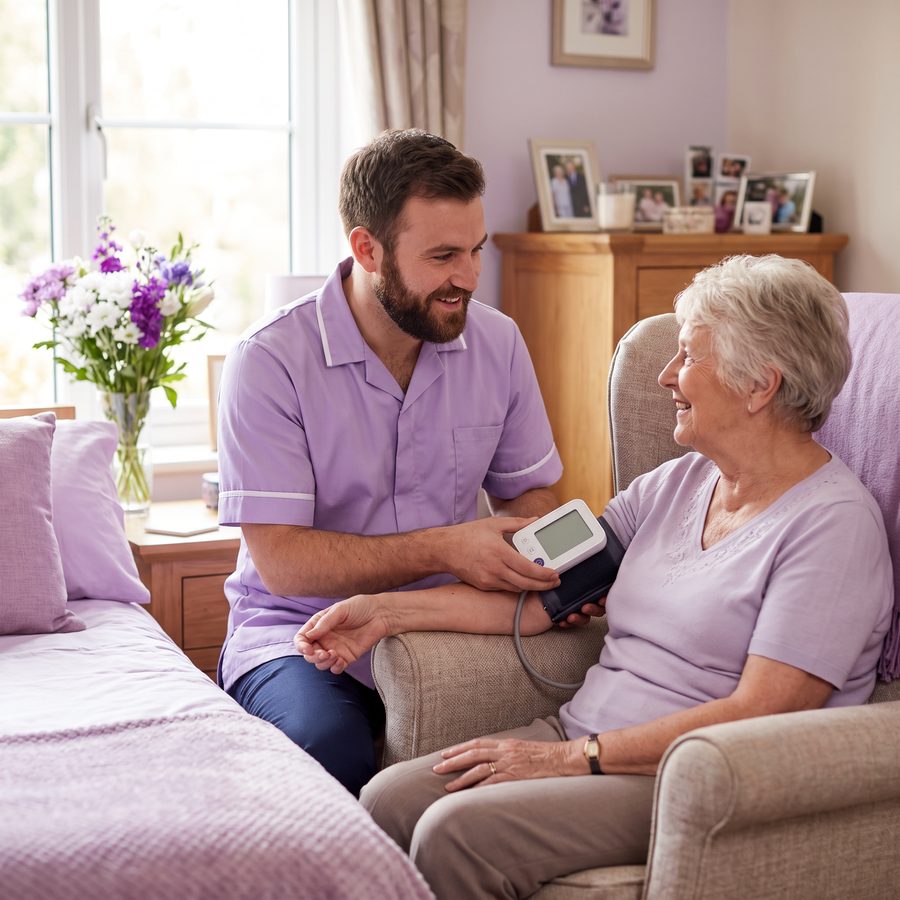
A home manager and a senior carer reviewing an incident together at a deskAn older man with a walking stick enjoying a garden walk with a carerA carer taking an older woman's blood pressure in her room as they chat
Questions

Things managers ask.

Does CQC approve Kiwi?

CQC doesn't approve or endorse any software. Kiwi keeps the records inspectors ask to see, such as risk assessments, incident reviews, medicines records and care plans, with an audit trail of every change.

Can inspectors use it on the day?

Yes. You can give an inspector their own login that can only read the records you choose, or show them records and reports on screen or printed. Their login appears in the audit trail like everyone else's.

What about notifications to CQC?

No. Sending statutory notifications to CQC is the registered person's legal duty. Kiwi's incident review records whether a notification was sent and who else was told; you submit it to CQC yourself.

What is CQC compliance software?

Software that keeps the records a care service uses as evidence of the care it gives, such as risk assessments, incident reviews, care plans, medicines records, health monitoring and an audit trail. It supports compliance; it doesn't guarantee it, and CQC doesn't approve any software.

Does Kiwi send notifications to CQC?

No. The registered person sends statutory notifications to CQC. Kiwi's incident review records whether a notification was sent and who else was told.

What does Kiwi cost?

£179.95 per home per month up to 30 beds, £229.95 for 31 beds or more, as of 19 October 2026. Every module is included and set-up is free. Monthly plans can be cancelled at any time with no notice period. Annual plans renew for 12 months unless cancelled before renewal. There's a 30-day free trial: your card is taken at sign-up, nothing is charged until day 31, and billing then starts automatically unless you cancel. Kiwi doesn't charge UK VAT (it's supplied from outside the UK). If your organisation is VAT-registered you may need to account for VAT under the reverse charge; if it isn't, the cost may count towards the VAT registration threshold. Check with your accountant.

Does Kiwi help with care home audits?

It keeps the evidence audits check: an audit trail of every change, review dates that show when they're overdue, incident reviews with root cause and actions, training status, and reports for any date range as PDF or CSV. It doesn't replace your own audit schedule.

More modules

Everything else in Kiwi.

See it running in 20 minutes.

A live walkthrough with our team. Your homes, your scenarios, your questions. Or start straight away. 30 days free. Card taken at sign-up, nothing charged until day 31; cancel before then and you pay nothing. Then billed automatically, cancel any time.

Or email sales@kiwiapp.co